Your Complete Travel Companion
Organize your trips in one place. Track expenses, manage checklists, and coordinate with travel companions. Works offline with optional cloud sync.
Why Choose Trabista?
Privacy & Security Built-In
Your trip data stays on your device by default and is encrypted at rest. Backups are password-protected and encrypted (AES-256). No behavioural tracking; the only diagnostics are anonymised crash and error reports (Sentry on iOS, Firebase Crashlytics on Android), neither of which carries trip content or personal data.
Offline-First Design
All core features work without an internet connection. Plan trips, track expenses, manage checklists, and access your itineraries anywhere—even in airplane mode. Some extended features like weather forecasts and Google Maps autocomplete require internet, but your core trip data is always accessible offline.
More Than Just Itineraries
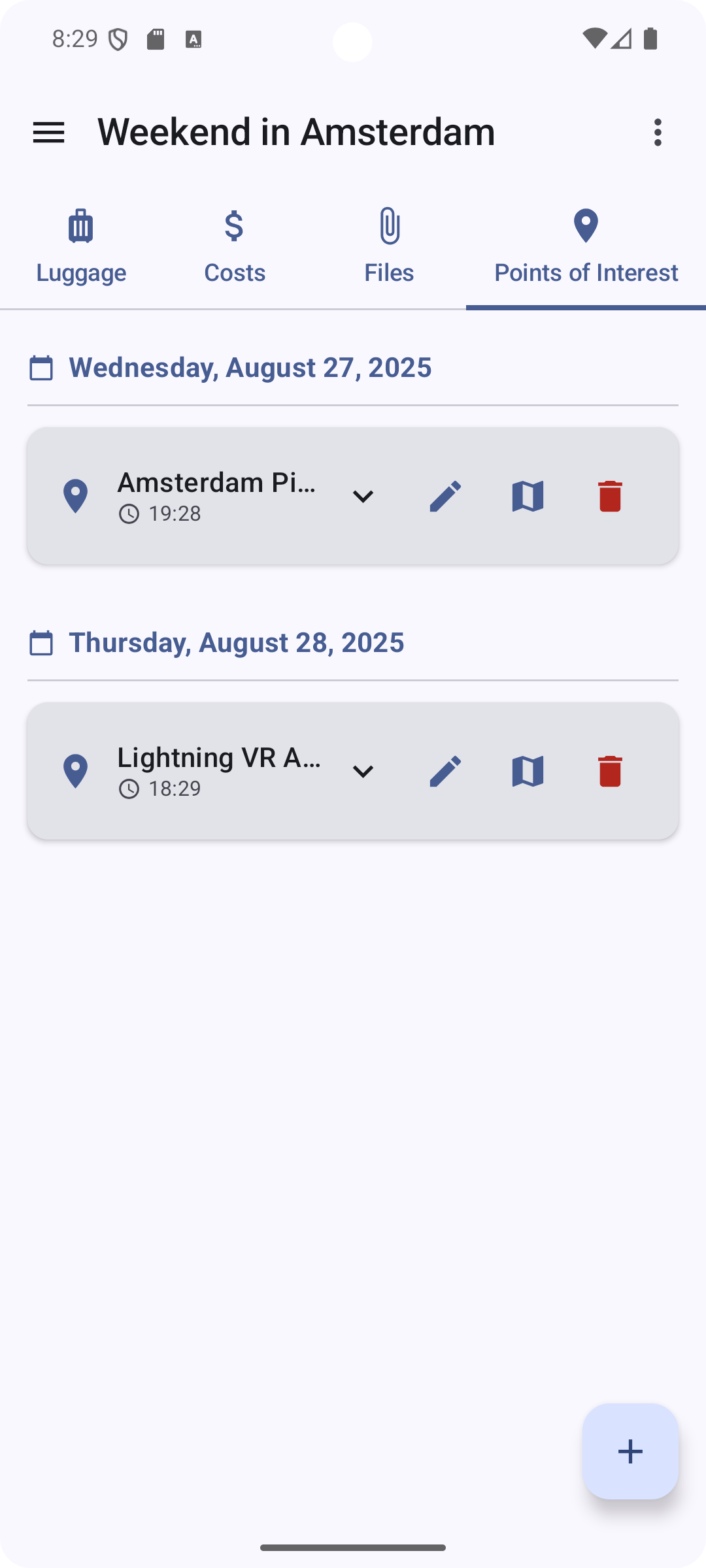
Trabista combines trip planning with cost tracking, checklists, group coordination, and luggage management. Track itineraries including flights, trains, and accommodations. Record costs by category and tag who paid. Build checklists with priorities. Add points of interest (Extended tier). Everything organised in one app.
Everything You Need for Perfect Trips
Comprehensive Trip Organization
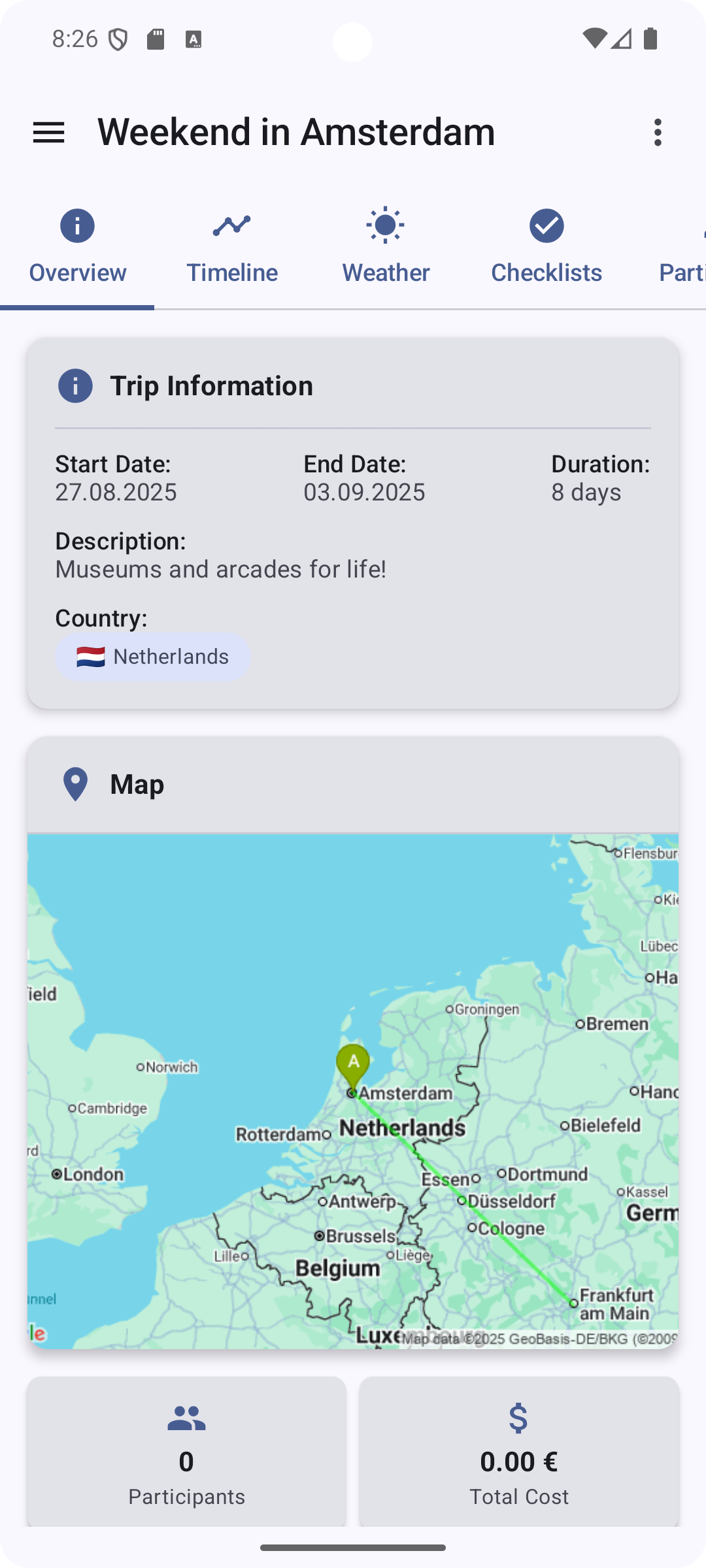
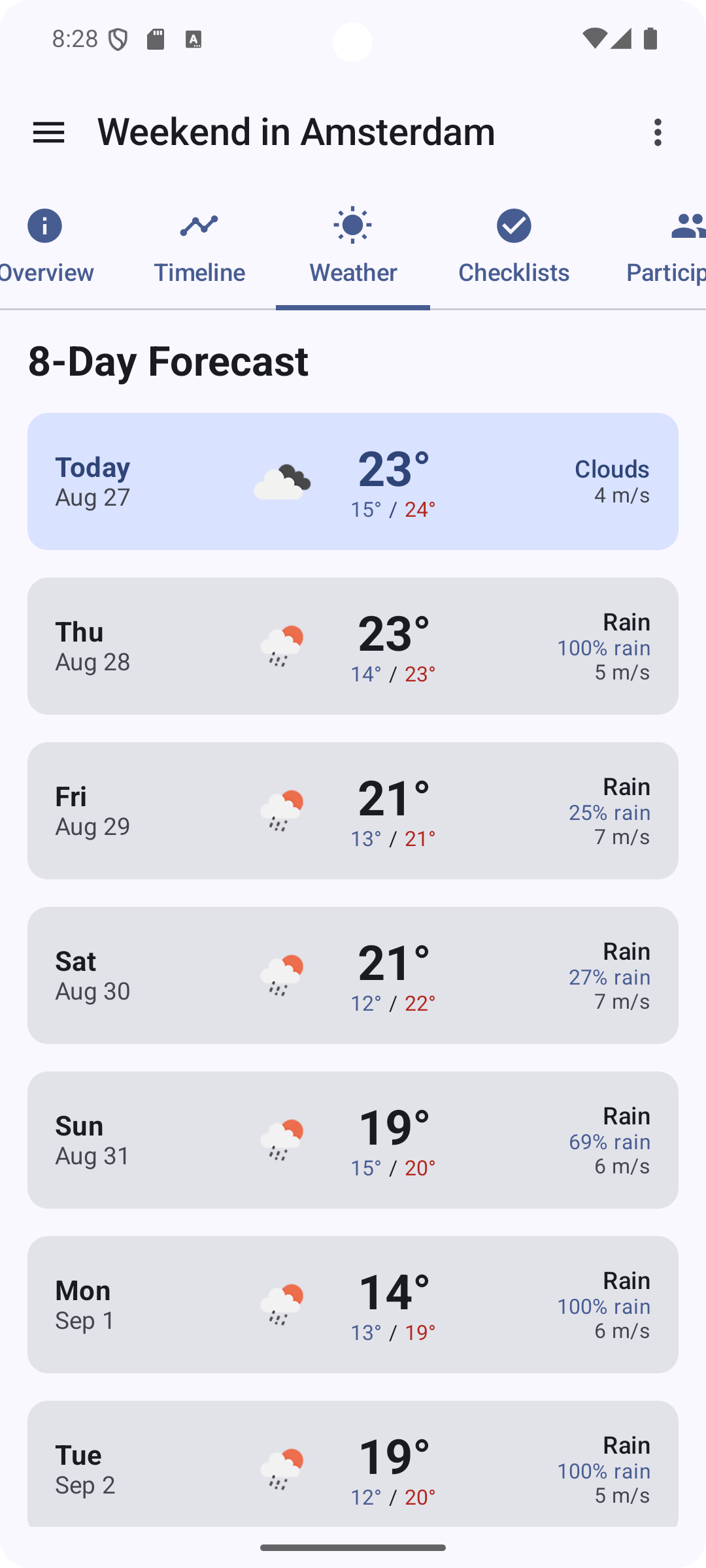
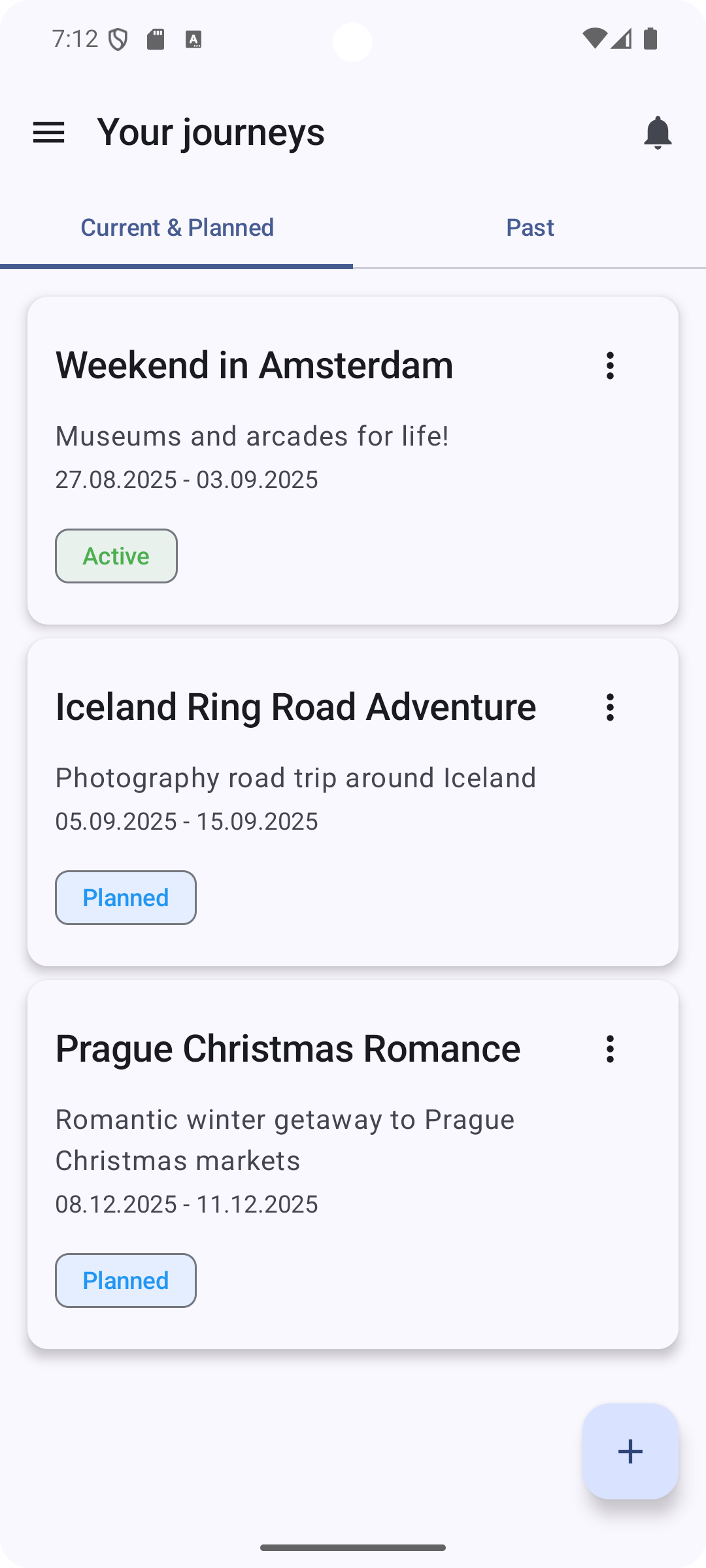
Organize your trips with 9 detailed tabs covering all aspects of travel. Track transportation (flights, trains, buses, ferries) with booking references and seat numbers. Manage accommodations with check-in details. Add activities and dining reservations. View weather forecasts for your destinations (Complete tier). Access statistics about your travel history and expenses.
Expense Tracking
Record costs across 9 categories (transport, accommodation, food, activities, shopping, health, insurance, visa, other). Track who paid and which participants shared each cost. See per-category and per-trip totals plus a paid / open / canceled status breakdown.
Smart Checklists & Packing Lists
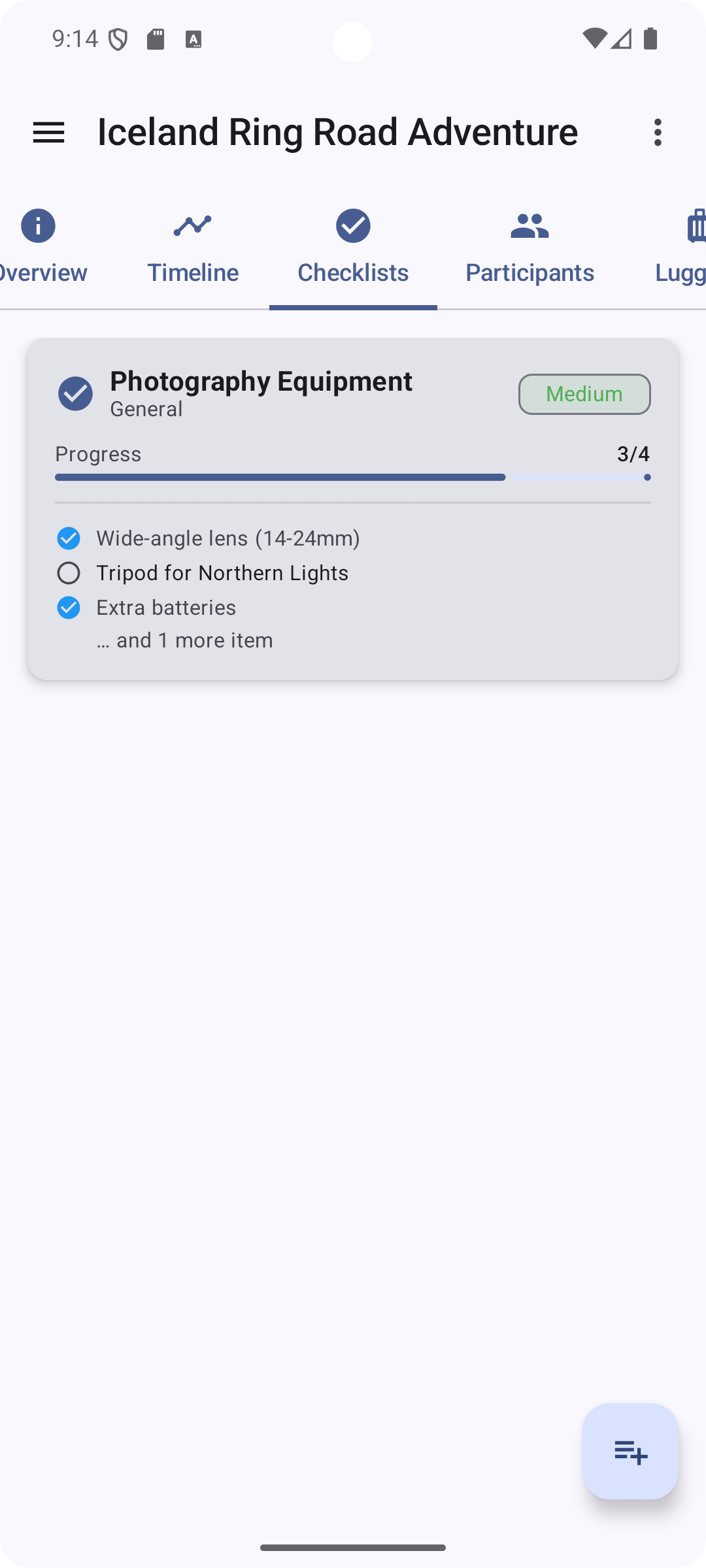
Create to-do lists with priorities (low, medium, high) and due dates. Save your own checklist and luggage templates (Extended tier) to reuse them on the next trip. Pack into named luggage containers with per-item quantity, packed state, and notes. Assign checklist items to specific participants for group coordination.
Group Coordination
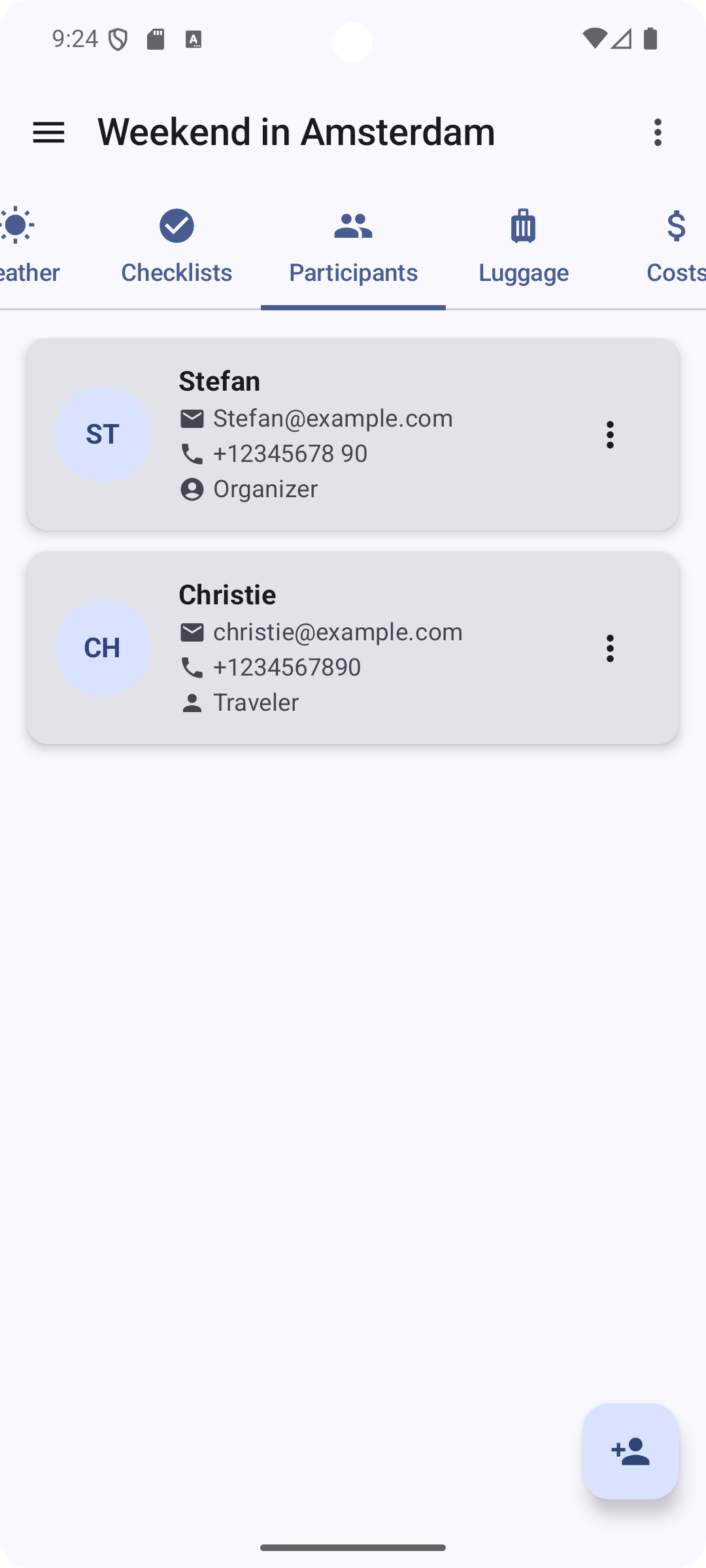
Add participants with a name plus optional email, phone, and address details. Link participants to specific travel segments and stays. Record who paid for each expense and who shared it. Export the trip as an ICS calendar file (Extended tier).
Offline Functionality
All core features work without an internet connection. Create and manage trips, track expenses, view checklists and itineraries in airplane mode or remote areas. No roaming charges required.
Security & Privacy
Trip data is encrypted at rest. Password-protected encrypted backups (AES-256-GCM, Argon2id key derivation). File attachments are encrypted on-device (Extended tier). No behavioural analytics; only anonymised crash diagnostics (Sentry on iOS, Firebase Crashlytics on Android). App lock with PIN or biometric authentication (Extended tier). Clipboard auto-clear for sensitive data (Extended tier).
See Trabista in Action
Choose Your Plan
Free
- ✓ Core trip planning
- ✓ Offline functionality
- ✓ Basic checklists
- ✓ Cost tracking
- ✓ Location autocomplete (OSS)
- ✓ Backup & Restore
- × Templates
- × Weather forecasts
- × App lock
- × Clipboard security
- × Customize Tabs
- × Points of Interest
- × Cloud sync
- × Calendar export
- × File attachments
- × Ad-free
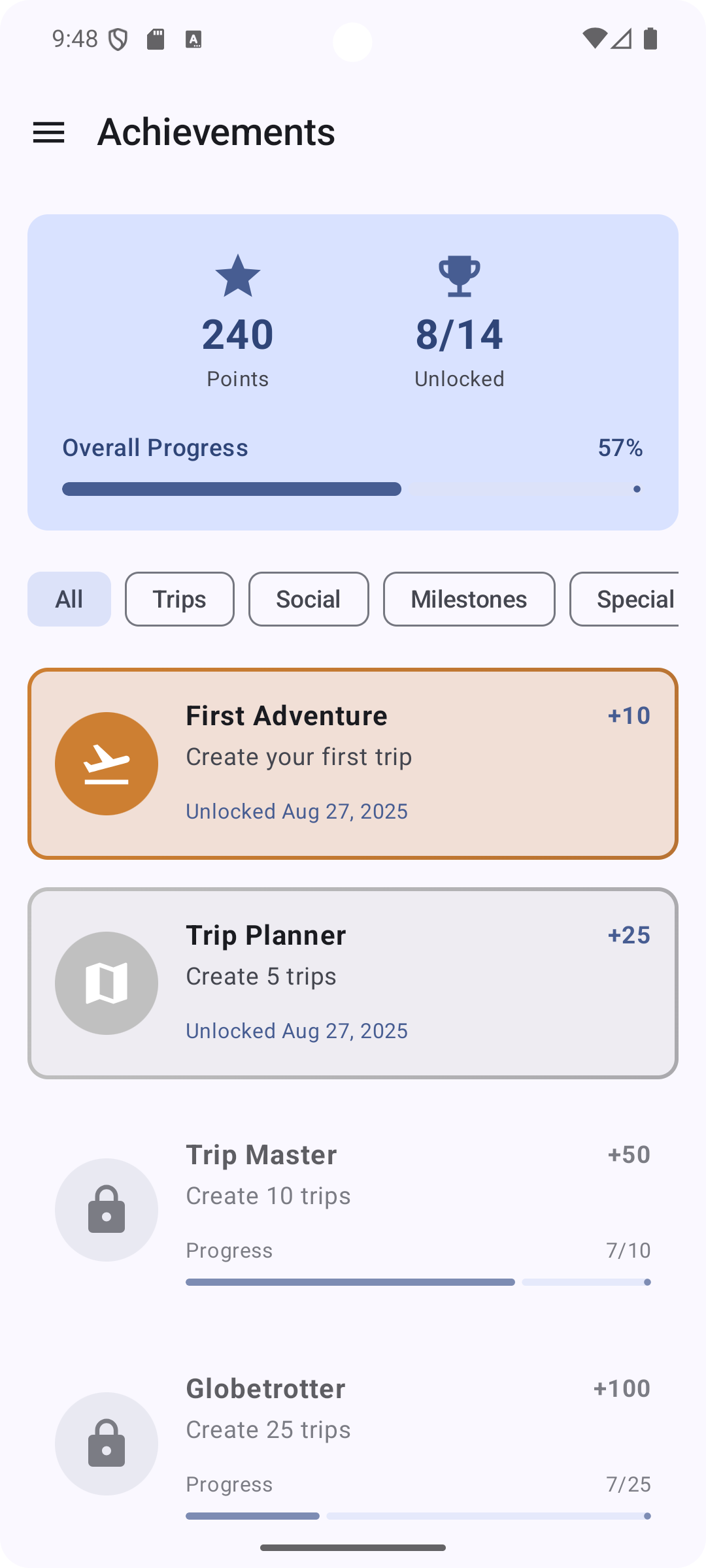
- ✓ Statistics & Achievements
Extended
- ✓ Core trip planning
- ✓ Offline functionality
- ✓ Basic checklists
- ✓ Cost tracking
- ✓ Location autocomplete (OSS)
- ✓ Backup & Restore
- ✓ Templates
- × Weather forecasts
- ✓ App lock
- ✓ Clipboard security
- ✓ Customize Tabs
- ✓ Points of Interest
- × Cloud sync
- ✓ Calendar export
- ✓ File attachments
- ✓ Ad-free
- ✓ Statistics & Achievements
Complete
- ✓ Core trip planning
- ✓ Offline functionality
- ✓ Basic checklists
- ✓ Cost tracking
- ✓ Location autocomplete (Google)
- ✓ Backup & Restore
- ✓ Templates
- ✓ Weather forecasts
- ✓ App lock
- ✓ Clipboard security
- ✓ Customize Tabs
- ✓ Points of Interest
- ✓ Cloud sync
- ✓ Calendar export
- ✓ File attachments
- ✓ Ad-free
- ✓ Statistics & Achievements
Frequently Asked Questions
Can I share my trips with other people?
Trip sharing with other people is a planned premium feature for a future release. Today, trips can be shared via a shared cloud-sync account, ICS calendar exports (Extended tier), or by creating and sharing encrypted local backups.
Why didn't you include an interactive map in the app?
An integrated map would lock every user into a single map provider (typically Google Maps). Instead, Trabista opens each location in the user's preferred map app — Google Maps, Apple Maps, OpenStreetMap, or any other — via a system link, preserving choice and minimizing third-party data sharing.
Why can I not book flights, hotels, or activities through the app?
Booking integrations would require many third-party partnerships and would route user data through commercial booking platforms. Trabista deliberately keeps planning separate from booking so users can choose any booking site and keep their data minimal.
Does Trabista support multiple currencies?
Trabista currently uses a single default currency — chosen in settings — for all expense tracking. Multi-currency support with automatic conversion is planned for a future update.
Can I use Trabista for business travel and expense reports?
Yes. Trabista records costs across 9 categories with the payer of each cost and per-category totals, which fits straightforward business-travel tracking. Built-in PDF or CSV report export is not yet available; you can share trip data via encrypted backups for manual reporting.
What languages does the app support?
Trabista is available in 2 languages — English and German — including the in-app contextual help system. Additional languages may be added based on user demand.
Can I import trips from other travel planning apps?
Trabista does not currently import trips from other travel-planning apps; trip details must be entered manually. Smart autocomplete for accommodations and locations (Complete tier) speeds up that data entry.
What happens to my data if I cancel my Complete subscription?
Local trip data stays on the device untouched when Complete is canceled. Cloud-synced data is retained for 1 year after the last login, or you can delete it from within the app at any time. Cancellation only removes access to Complete features (cloud sync, weather forecasts, extended location services). Extended is a one-time purchase and remains permanently unlocked.
Is there a limit on the number of trips I can create?
No — Trabista imposes no limit on the number of trips on any tier (Free, Extended, or Complete). Users can create as many trips as needed without restrictions.
Can I customize expense categories?
Trabista includes 9 standard categories: transport, accommodation, food, activities, shopping, health, insurance, visa, and other. Custom categories are planned for a future update based on user feedback.
What happens if I lose my phone?
Trip data is encrypted at rest on-device, and any user-created backups are AES-256 password-protected. Complete-tier users with cloud sync can restore trips on a new device; all users can restore from encrypted backups they created before the loss. Regular encrypted backups stored securely are recommended.
Can I switch between tiers?
Yes — users can switch between the 3 tiers (Free, Extended, Complete) at any time through the Google Play Store or Apple App Store. Extended is a one-time purchase with permanent access; Complete is a monthly subscription. Changes take effect immediately, and downgrading preserves all trip data.
Does Trabista work on tablets?
Yes — Trabista runs on Android tablets (Android 10+) and iPad (iPadOS 15+), with a layout that adapts to larger screens for a tablet-optimized experience.
Does Trabista work offline?
Yes. All core features (trip planning, cost tracking, checklists, luggage, participants, itineraries) work without an internet connection. Weather forecasts and extended location services (both Complete tier) need connectivity to fetch data. Existing trips are always accessible without a connection.
Is my trip data shared with third parties?
Your trip content stays on the device and is encrypted at rest. The Free tier shows AdMob ads. The Complete tier sends location queries to Google Maps and Google Places (Android) and forecast queries to Apple Weather or OpenWeather, only when you open those features. Cloud sync uses Supabase, subscription validation uses RevenueCat, and anonymised crash diagnostics use Sentry (iOS) or Firebase Crashlytics (Android). The privacy policy lists every processor with full details.
Can I use Trabista across multiple devices?
Yes — the Complete tier enables cloud sync so your trips, expenses, checklists, and participants are available on every device signed in to the same account. Without Complete, trip data is local to one device; you can transfer it by exporting an encrypted backup and restoring it on the new device.
Ready to Optimize Your Travel Planning?
Start planning your perfect trip today.
Scan to Download (Android)
Download Now


Requirements:
- Android 10+ / iOS 15+
- 50MB free space
- Internet for extended/complete features